AI workflow automation

AI Workflow Automation

AI automation and purpose-built software that read documents, sort requests and move work between your systems on their own, with people making the judgment calls.

Free 30-minute call · Rated 4.9/5 on Clutch

The problem

The problem we solve

A request arrives by email. Someone opens the attachment, types the details into one system and then another, chases an approval and sends a confirmation. The same steps repeat for invoices, intake forms and client documents, all day, every day. Every handoff takes time and invites mistakes. We automate the routine steps between your systems and people, let AI read and sort the documents and emails that start them, and send anything unusual to a person with the context to decide.

What we build

AI Workflow Automation services

  • Invoice and document processing

    AI reads invoices, forms and contracts, pulls out the details and enters them into your systems, with a person checking anything it isn't sure of.

  • Email and request intake

    Incoming emails and requests sorted and sent to the right person or queue, with routine replies drafted for review.

  • Data entry between systems

    Information entered once and kept in step across your CRM, accounting, ERP and scheduling, so nobody types the same data twice.

  • Approvals and routing

    Purchases, invoices and exceptions routed by your rules and tracked in one place instead of in email.

  • Reports and updates that write themselves

    Weekly reports, summaries and client updates drafted from your data and sent for review on schedule.

  • Answers from your own documents

    An assistant that answers staff questions from your policies, procedures and records, and shows where each answer came from.

How it works

Assess, then build, then support

  1. Assess

    A Business Efficiency Assessment finds where time and money are lost and ends with an initial scope, and its fee counts toward the build. New products start with a prototype.

    Ways to start →
  2. Build

    Design comes first and finalizes the scope and screens, then the same team builds in phases.

    Our services →
  3. Support

    Monthly plans that keep your software running and improving after launch.

    Support plans →

Proof

Results from a real project

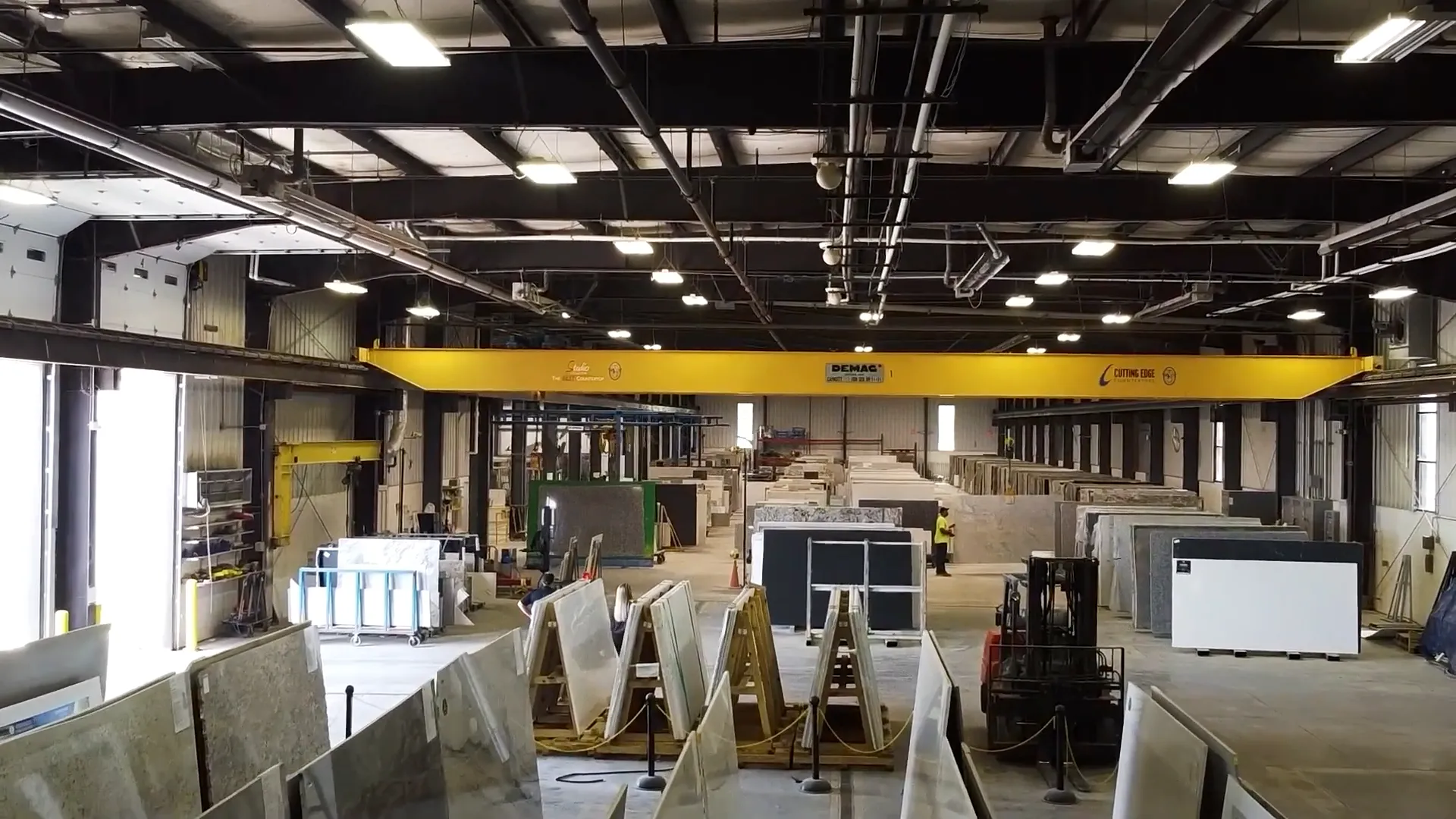
Countertop fabrication shop floor with stone slabs on racks under an overhead crane

Cutting Edge Countertops · Manufacturing

Order processing in 25 seconds instead of 4 minutes

A field service app and a faster ERP for a countertop manufacturer, with processing up to 900% faster after a move from VBA to .NET.

Order processing went from about 4 minutes to about 25 seconds

FAQs

AI Workflow Automation questions

What is the difference between AI workflow automation and AI integration?

Automation moves work from step to step and system to system on its own, like an invoice going from email to accounting to approval. AI integration adds AI features inside an app your team uses. Many projects use both.

Which workflow should we automate first?

The one your team repeats most, with clear rules and a cost when it is late or wrong. Invoice and document processing, email intake and approvals are common first picks. Our free AI Readiness Check or a call helps you find yours.

What happens when the AI gets something wrong?

Routine steps run on rules you approve. When the AI is unsure, or something falls outside the rules, the item goes to a person with the details needed to decide. Every action is logged, so you can see what ran and why.

Do we have to replace our current systems?

No. We connect the systems you already use, from email, CRMs and accounting to ERPs like SAP Business One, NetSuite, Epicor Kinetic and Dynamics 365 Business Central.

Which tools do you use, and where does our data go?

We build with n8n, purpose-built integrations and AI models from providers like Anthropic and OpenAI, so your team can see what is running and change it later. Automations run in accounts you own, your data is not used to train public models, and each workflow only gets the access it needs.

How long does it take?

It depends on the systems involved. A Business Efficiency Assessment maps the workflow first, in 2 to 6 weeks, then we build in phases, starting with the workflow that saves the most time.

Do you use AI to build software?

Yes, every day. AI writes and checks much of the routine code, so more of your budget goes to the parts that are specific to your business and you see working software sooner. People still own what matters most: understanding your business, design, architecture and testing, and an engineer reviews every change before it ships. Your code and data stay in accounts you own and are never used to train public models.

Free 30-minute call

Have a project in mind?

Book a free call. We'll talk through what you need and recommend where to start. No pressure and no obligation.